Use environments and secrets to secure credentials and control runtime scope.
Overview
This document describes how BlueGreen exposes environment variables and secrets to runbook steps, how scoping and injection work, and best practices for secure usage.
Mechanisms for providing environment variables
- Env per step: declare
envon a step to set variables scoped to that step. - Global env: declare
global.envto apply variables to all steps by default. - Platform-injected secrets: secrets and project-level variables are injected into a step’s environment when the run’s
ENV(or matching scope) corresponds to the secret’s scope.
This guide emphasizes the injection model, scoping rules, and security considerations.
Managing environments and secrets (dashboard)
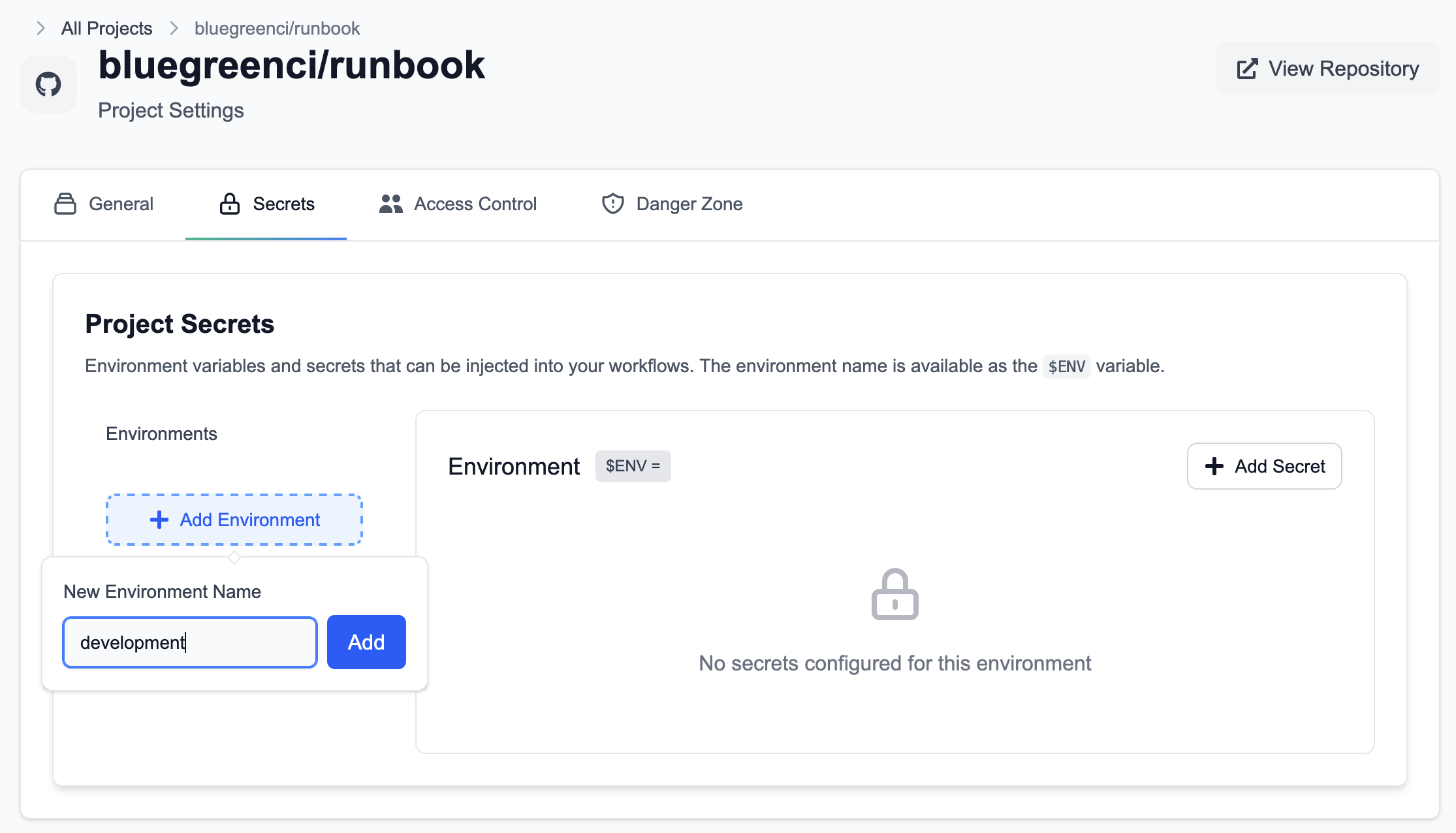
Open Project → Settings → Secrets to create environments and add secrets. For example, create an environment named development and add secrets scoped to it.
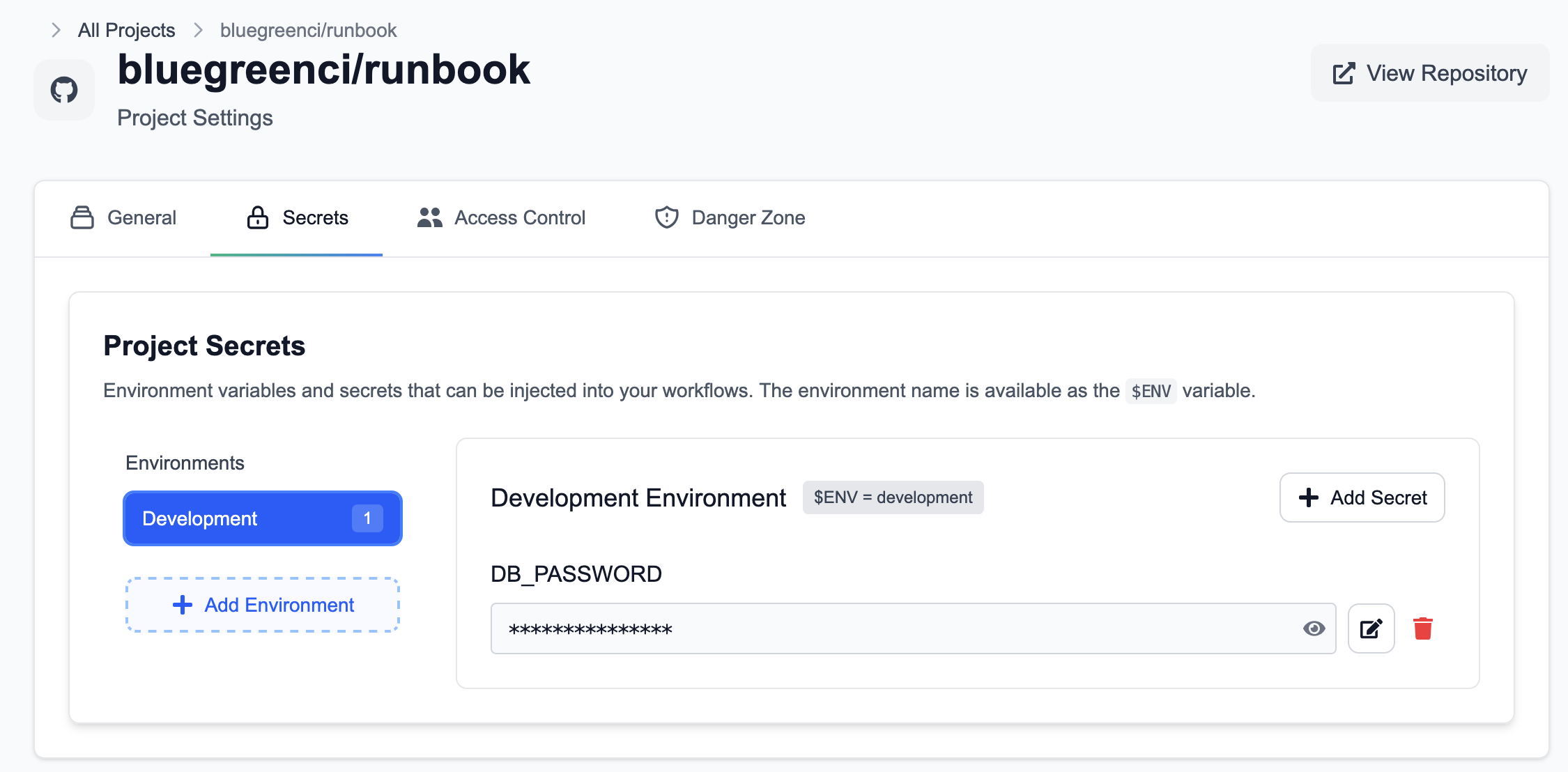
With an environment selected, click Add Secret to create a secret such as DB_PASSWORD.
Using secrets in a runbook
Platform-injected secrets are available to steps when the run’s ENV matches the secret’s scope. Set ENV globally or at the step level to control which environment’s secrets are injected.
Example:
name: "Using Secrets and Environments"
global: env: ENV: "development" # set globally for the run
steps: - name: "Connect to DB" env: ENV: "development" # or set per step command: | # Do not print secrets in production logs echo "Connecting to DB" ./app --db-password "$DB_PASSWORD"Notes:
- Platform-injected secrets are stored and transmitted encrypted and are exposed to the step as environment variables at runtime.
- Avoid printing secrets to logs; pass them directly to programs or use secure libraries that read from the environment.
Security and best practices
- Never commit secrets to source control or embed them in
runbook.yml. - Use environment-scoped secrets (for example,
development,staging,production) to reduce blast radius. - Prefer step-level
envfor least privilege when only one step requires a secret. - Rotate secrets regularly and audit access via the dashboard.
- For reproducible builds, pin tool versions or use a custom container image rather than embedding credentials.