Create teams, invite members, assign roles, and attach projects for shared ownership and collaborative workflows.
Overview
BlueGreen is a multi-tenant platform. Creating an account provisions a tenant and assigns the creator as the tenant owner. Tenant owners manage tenant-level settings, invite users, and review audit logs.
Inviting users
From the dashboard: avatar → Settings → Team → Invite Team Member.
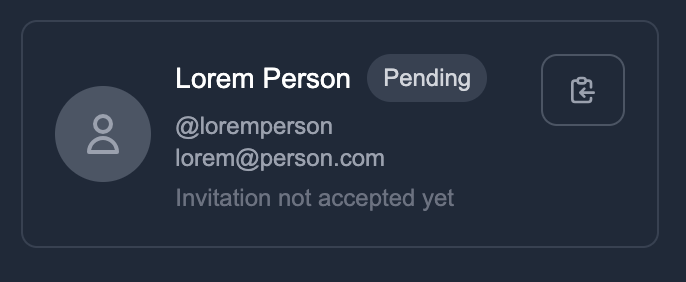
Invitations currently produce a join link that must be delivered to the recipient (email delivery is not integrated). When a recipient opens the link they complete account setup by choosing a password and joining the tenant.
Project access model
Tenant membership does not automatically grant project access. Project access is granted explicitly: tenant owners or tenant admins add members to a project and assign a role before the member can view or modify project resources.
Grant access: Project Settings → Access Control → Add Users
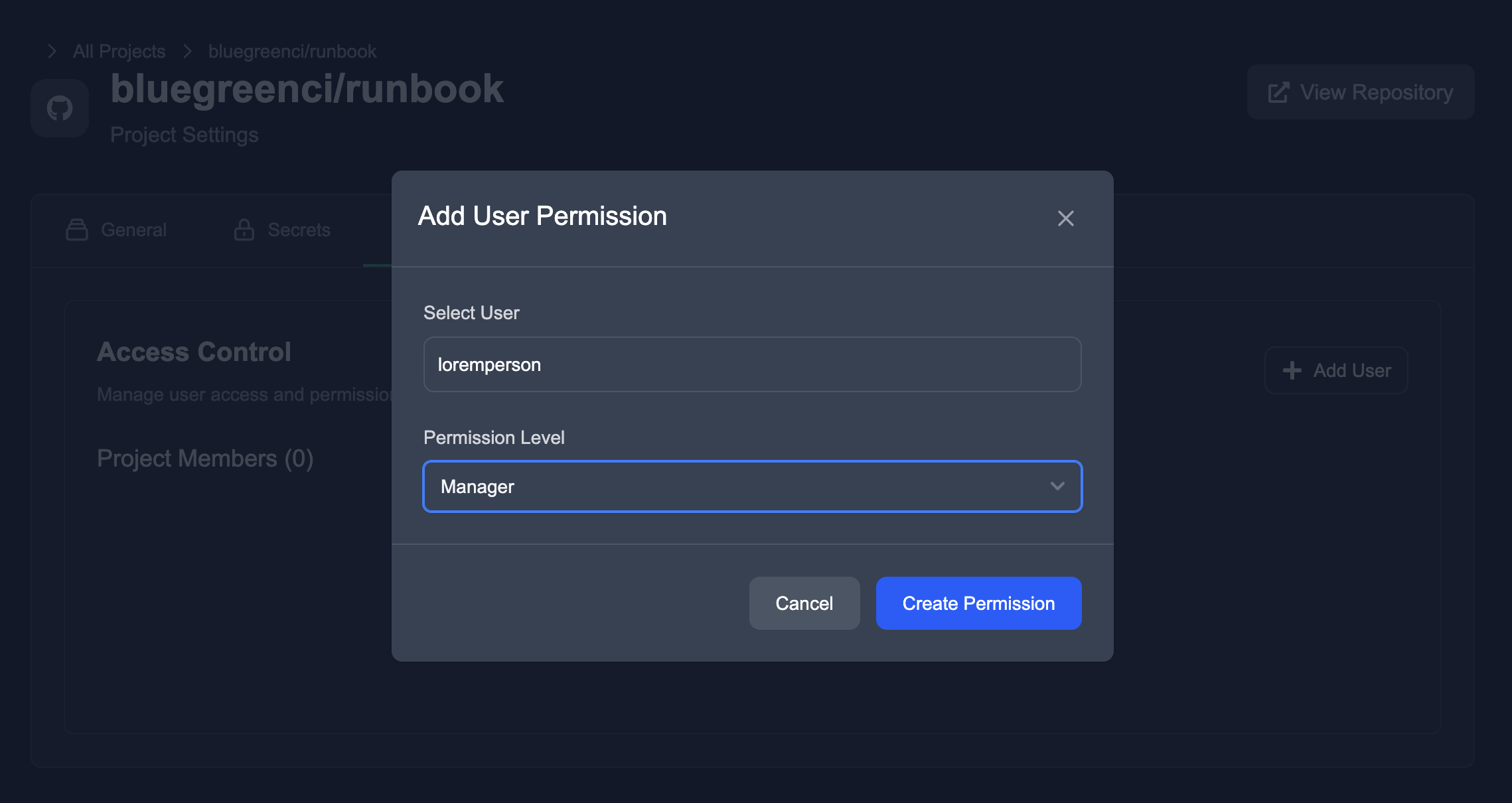
Roles and permissions
- User — Read-only access to runs and logs. Cannot view or manage Project Secrets.
- Manager — All
Userprivileges plus the ability to view Project Secrets. - Admin — Full project access, including settings, secrets, and access control.
Apply the principle of least privilege: grant only the permissions required for a user’s role.
Notes and restrictions
- Only the tenant owner can import projects from external Git providers (GitHub/GitLab).
- Regularly audit tenant and project activity to monitor access and changes.
If useful, I can add an onboarding checklist for new project members or extend this doc with API/CLI examples for programmatic access management.